For participants in our training sessions
Did you attend a training session delivered by InfoSwitch? Download the materials from your session here to go over each step at your own pace. Pick the language of your training.

The documents from your InfoSwitch sessions, to download and keep at hand.
Did you attend a training session delivered by InfoSwitch? Download the materials from your session here to go over each step at your own pace. Pick the language of your training.
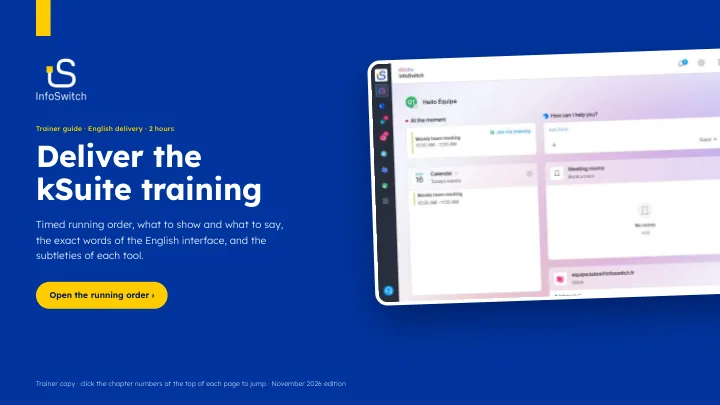
Each tool of the Infomaniak suite, step by step: the essential features, the useful settings and the time-saving tips, with the exact labels of the interface.
We remain available to support you and your teams in the day-to-day use of Infomaniak tools.
Contact us